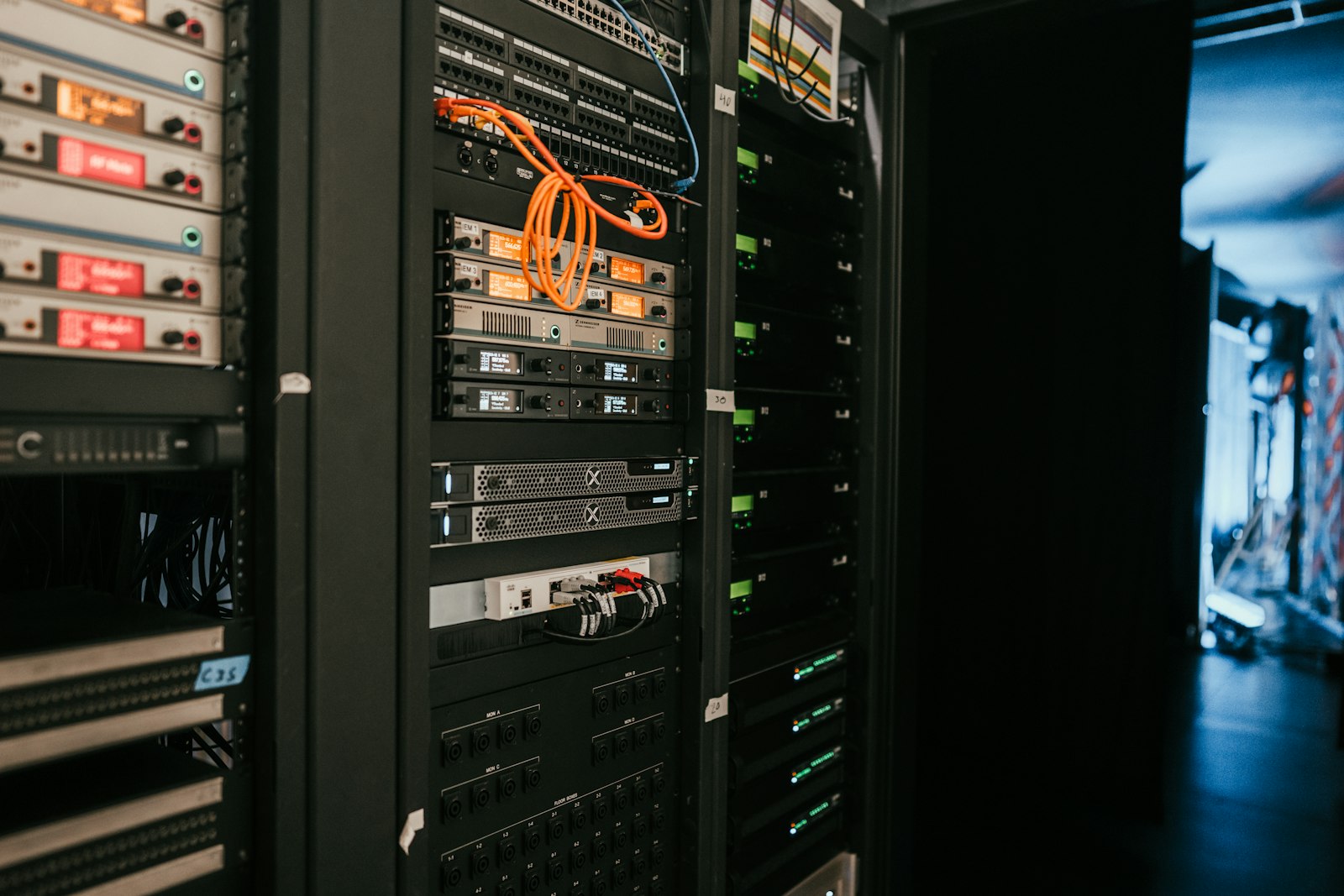
A dropped internet connection is annoying. A router, switch, or NVR that gets its power cut abruptly — instead of shutting down cleanly — is how you end up with a corrupted configuration or a device that won't boot the next morning. A UPS (uninterruptible power supply) on your networking gear isn't just about riding out a full outage; it's just as much about absorbing the brownouts and surges that never even trip a breaker.
How to size a UPS correctly
Two numbers matter: VA/W rating (how much load it can carry) and runtime at your actual load (how long it can carry that load on battery). Add up the wattage of everything you're protecting — router, switch, modem, maybe an NVR — and leave headroom; a UPS running near its rated capacity gives you a much shorter runtime than the marketing number suggests. For most small network closets, you're not trying to keep everything running for hours — you want enough runtime for a clean shutdown or to ride out a brief outage, typically 10-20 minutes.
Also decide: do you need rackmount (1U or 2U, if your gear is already in a rack) or a standard tower/desktop unit? And do you need pure sine wave output — mainly relevant if you're protecting equipment with an active PFC power supply, which most basic networking gear is not.
Compact pick: a router, modem, and small switch
The CyberPower OR500LCDRM1U is a 500VA/300W 1U rackmount UPS — just 1.75 inches tall, so it drops into a standard rack without eating a full slot. It's line-interactive with automatic voltage regulation (AVR), which corrects minor voltage fluctuations without switching to battery power and extending battery life, and it has an LCD panel showing real-time load and battery status. This is sized for exactly the scenario most small offices have: a router, a modem, and a small switch — not a full server rack.
Higher-capacity pick: a fuller closet or combined workstation setup
If you're protecting more than just the network edge — say, a closet with a switch, a small NAS, and a nearby workstation — the APC Back-UPS Pro BX1500M gives you more headroom: 1500VA/900W with 10 outlets, LCD status display, AVR, and surge protection, with roughly 68 minutes of runtime at a 100W load. That's enough time for equipment to shut down cleanly, or for you to switch to a backup connection, during anything short of an extended outage.
Don't skip battery replacement
Every UPS battery degrades over a few years regardless of how often it's actually used — most units will tell you when a battery is failing, but it's worth checking annually rather than finding out during an actual outage. If you want this properly integrated into your network setup — including shutdown automation so servers power down gracefully before the battery runs out — that's exactly the kind of thing worth having a professional set up once, correctly.