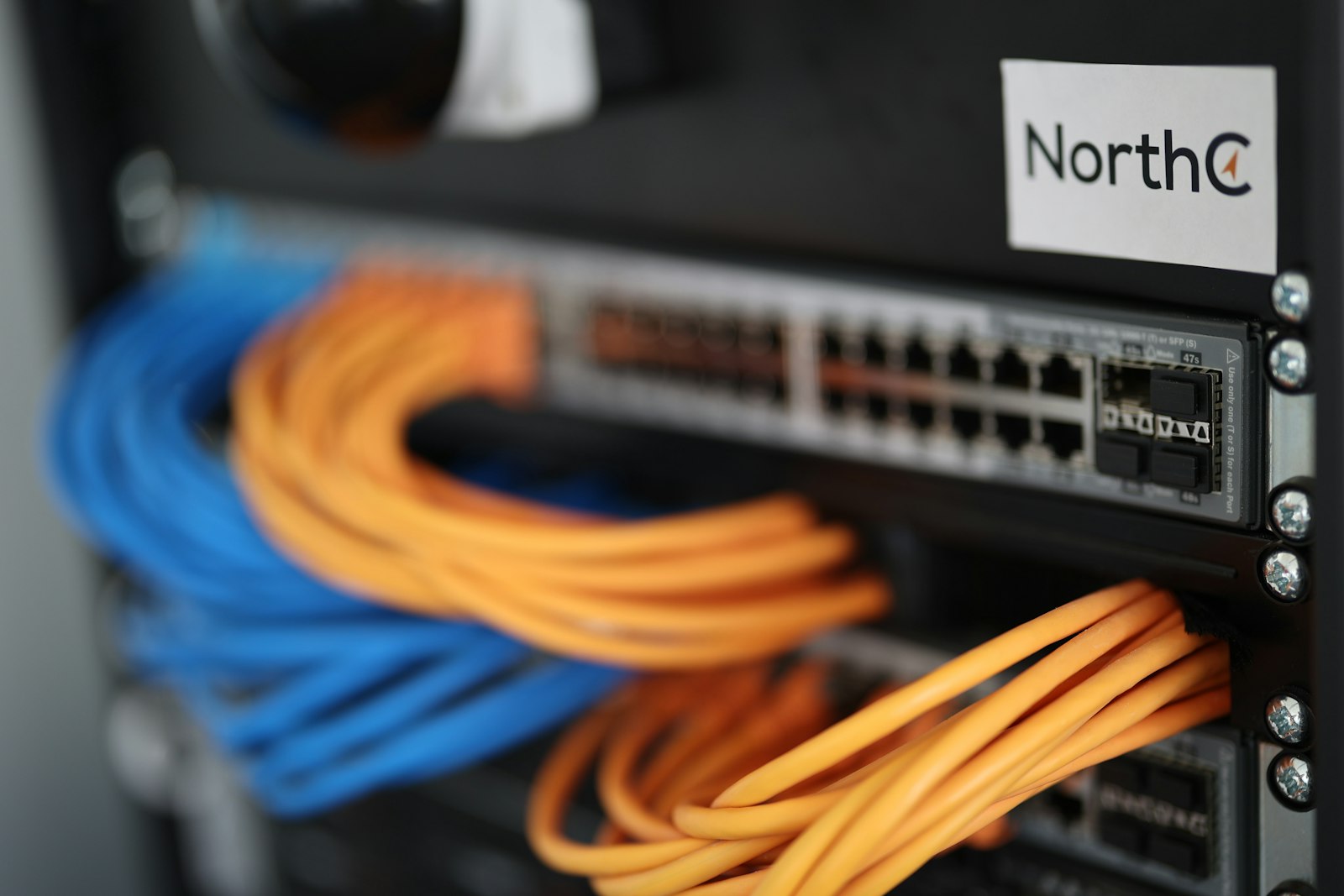
A MikroTik router at the edge is only half the network — the switch it plugs into decides whether you can actually aggregate multiple access points, distribution routers, or a 10G fiber uplink without running out of ports or bandwidth. Here are the two MikroTik switches we reach for most often, depending on the size of the closet.
What to look for in a switch behind a MikroTik router
- SFP+ uplinks: once you have more than one MikroTik router or a fiber handoff to aggregate, a switch with 10G SFP+ ports avoids the Gigabit bottleneck between devices — matches the 10G SFP+ cage on routers like the RB5009 covered in our MikroTik router guide.
- RouterOS or SwOS: MikroTik switches run either full RouterOS (more features, steeper learning curve) or the lighter SwOS (VLANs, port mirroring, bandwidth limits — enough for most deployments without the overhead).
- Metal case and fan-free where possible: a closet or cabinet running 24/7 benefits from a switch that doesn't depend on a fan to survive Ghana's ambient heat.
- Port count with headroom: buy for where the site will be in a year, not just today — running out of ports means an unplanned second switch and a trunk link you didn't budget for.
Small closet or first uplink: 8-port smart switch
The MikroTik CSS610-8G-2S+IN is our default pick for a small comms closet or a single distribution point: 8 Gigabit ports plus 2 SFP+ cages for a 10G uplink back to a core switch or router, running SwOS for straightforward VLAN and port-mirroring setup without needing full RouterOS knowledge. It's desktop-cased, quiet, and inexpensive enough that stocking a spare for a remote site isn't a big decision.
Full comms room: 24-port managed switch
Once you're aggregating a full rack — multiple access points, a few PPPoE distribution routers, a couple of servers — the MikroTik CRS326-24G-2S+RM is the switch we'd rack: 24 Gigabit ports, 2 SFP+ uplinks, a metal rackmount case, and dual-boot support for either RouterOS (if you want routing/firewall features on the switch itself) or SwOS (if you just want a fast, simple managed switch). At this port count it's the backbone of the closet, not just another access switch.
VLANs matter as much as the hardware
A managed switch is only as good as the VLAN plan behind it — separating subscriber traffic, management access, and any guest/public Wi-Fi onto different broadcast domains is what actually keeps one compromised device from being able to see everything else on the network. If you'd rather have your switch and router VLANs configured correctly together, get in touch and we'll design it as one network, not a pile of separately-configured boxes.