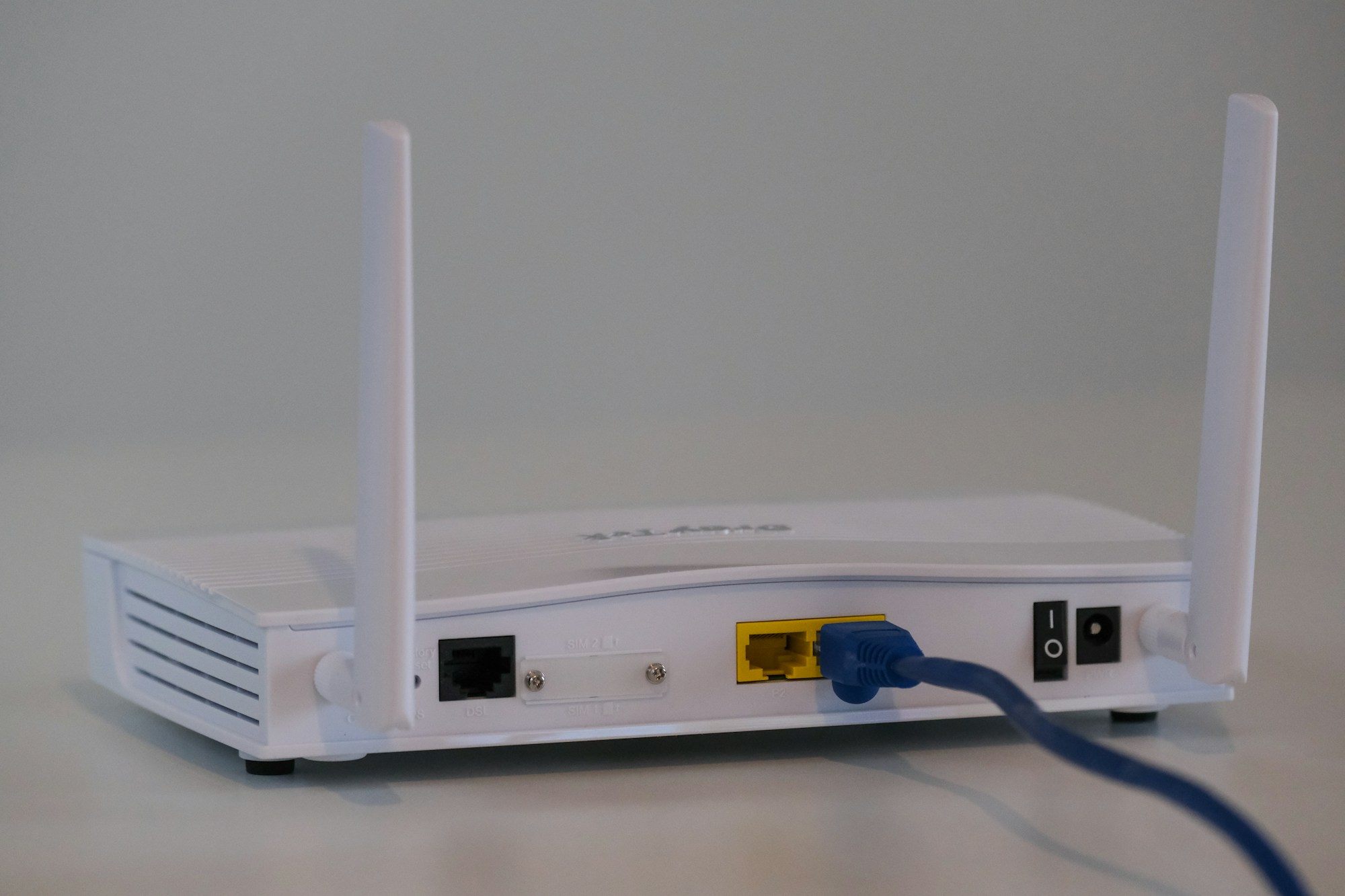
Most small offices start out on whatever router the internet provider handed over, or a consumer model bought in a hurry. That works fine for a handful of laptops — until you add a VoIP phone system, a couple of security cameras, a guest network for visitors, and a dozen more devices than the router was ever tested against. Calls start dropping, Wi-Fi slows to a crawl in the afternoon, and nobody can tell why.
Here's what we actually look at when we're specifying a router for a client's office, and two models worth considering depending on how much load you're putting on it.
What actually matters for office use
- Wi-Fi 6 (802.11ax): handles many simultaneous connections far better than older Wi-Fi 5 hardware — the thing that matters most once you're past 15-20 devices.
- A real guest network with client isolation: visitors and staff devices should never sit on the same broadcast domain.
- Wired port speed: if you have a fiber or cable plan faster than 1 Gbps, a router stuck at Gigabit LAN/WAN will bottleneck it regardless of Wi-Fi speed.
- VPN support: built-in VPN server/client support matters if staff need to reach the office network remotely, or you need to route site traffic through a secure tunnel.
- Mesh expandability: offices with awkward layouts or multiple rooms benefit from a router that can add mesh satellite units later instead of forcing a full replacement.
Budget-friendly pick: for a small office under ~15 devices
The TP-Link Archer AX55 is a dual-band Wi-Fi 6 (AX3000) router that covers the basics well for a small office: OFDMA and MU-MIMO for handling multiple devices efficiently, WPA3 security, EasyMesh support if you need to add coverage later, and TP-Link's HomeShield security features. It's not built for a heavy multi-VLAN setup, but for a straightforward small office — a handful of workstations, a couple of printers, guest Wi-Fi for visitors — it's a solid, inexpensive starting point.
For heavier traffic: video calls, VoIP, and more devices
Once you're running daily video conferencing, a VoIP phone system, and 20+ connected devices, we'd look at something like the ASUS RT-AX86U Pro. It's a dual-band Wi-Fi 6 router with a 2.5 Gbps port (useful if your internet plan or internal network exceeds 1 Gbps), a dedicated gaming/priority port you can repurpose for a VoIP device that needs guaranteed bandwidth, built-in VPN server and client support, and AiMesh compatibility for expanding coverage without replacing the whole router later. It also includes AiProtection Pro network security, which is worth having on any device sitting at the edge of your network.
A router isn't the whole story
Router hardware only solves half the problem — proper VLAN segmentation, guest network isolation, and firmware update discipline matter just as much, and none of that comes configured out of the box. If you'd rather have someone set this up correctly the first time, get in touch and we'll take care of it.